AeroVantageAG
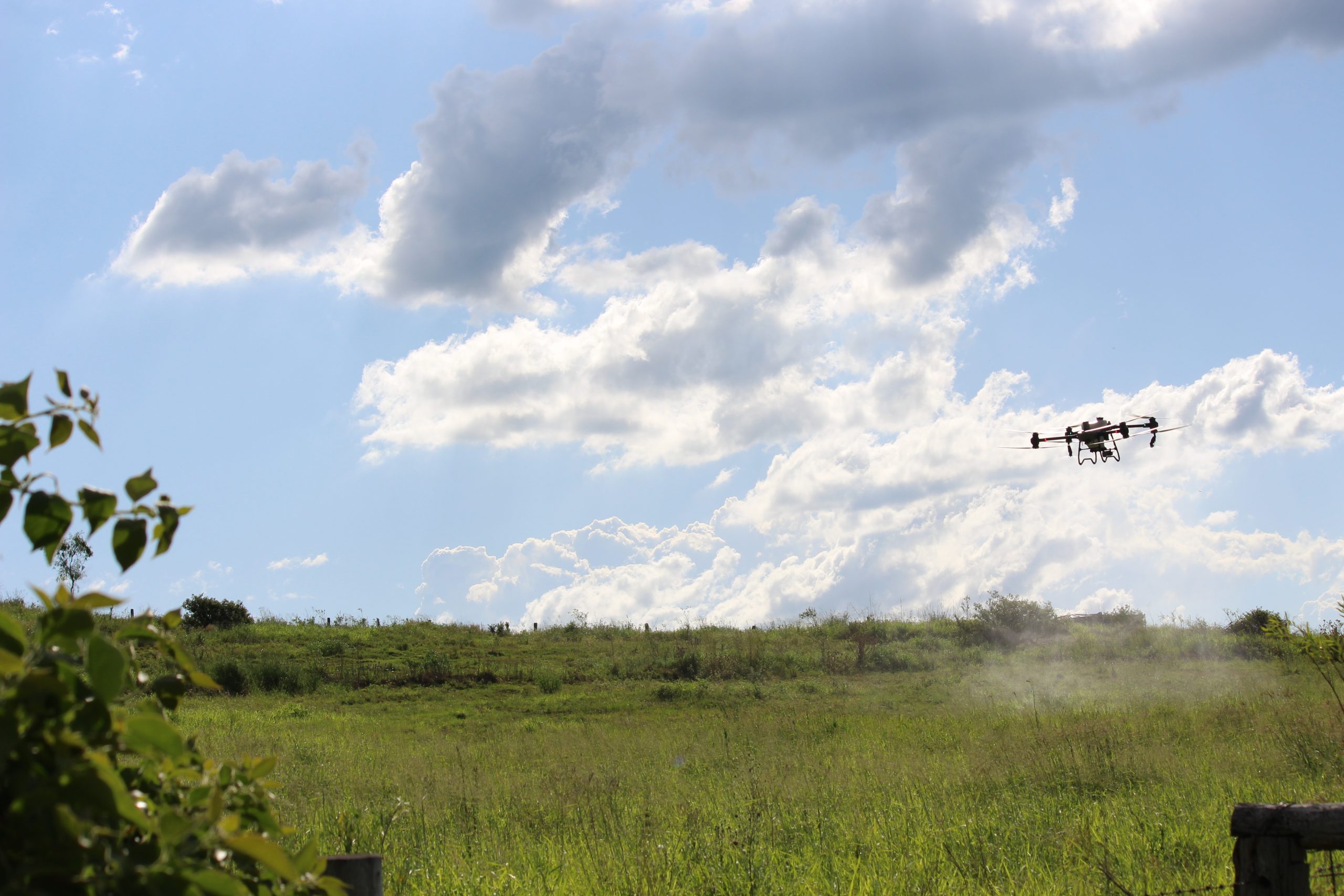
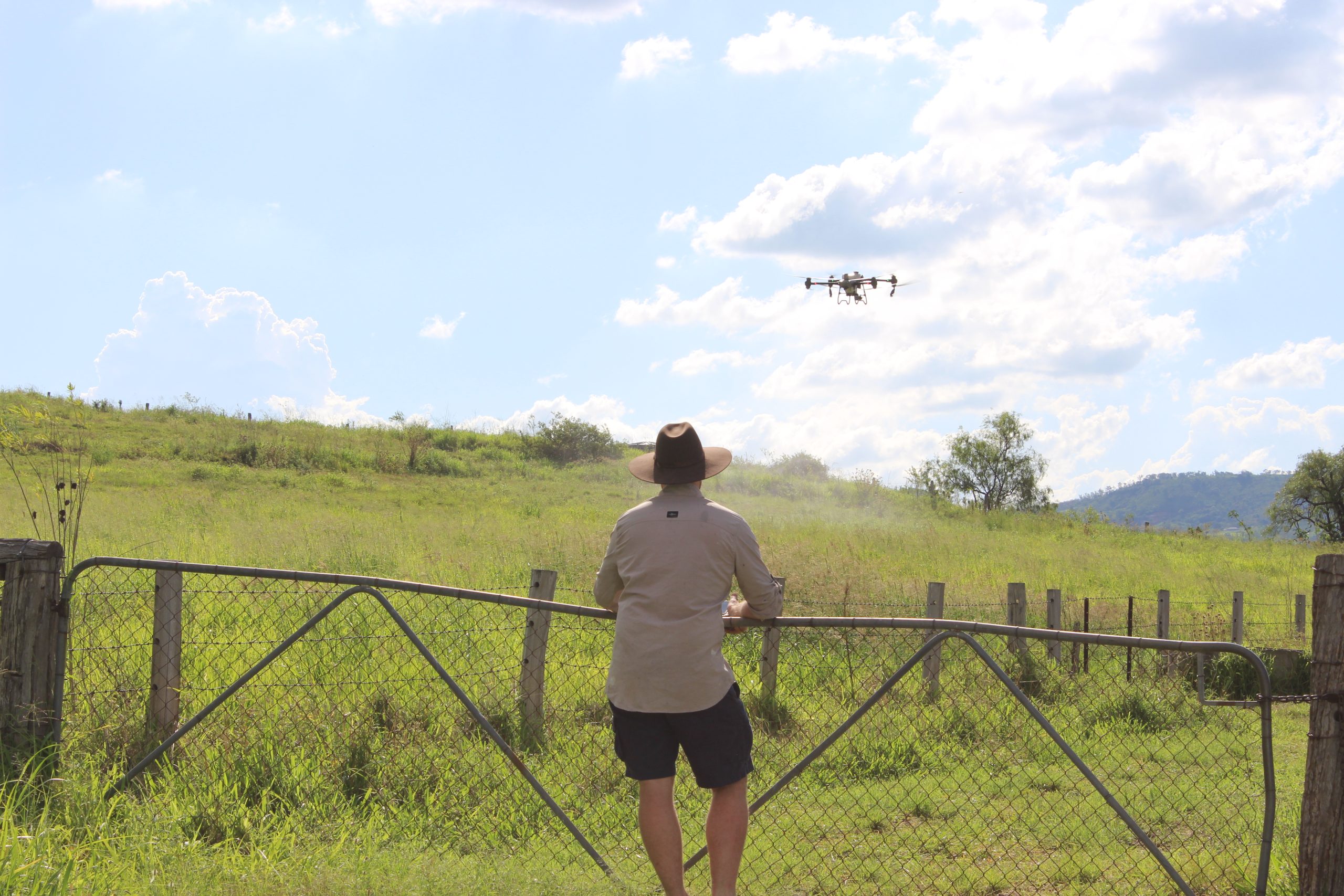
At AeroVantage Ag, we provide drone spraying and spreading services across South East Queensland, supporting farmers and rural property owners with efficient weed control and vegetation management.
AeroVantage Ag is a local business focused on safe operations, consistent coverage, and reliable results. We combine aviation expertise and agricultural insight to deliver efficient, reliable, and environmentally responsible outcomes across every operation. Every project is guided by our commitment to safety, integrity, and continuous innovation.
We envision a future where aerial innovation drives smarter, greener agriculture across Queensland and beyond.
Let’s grow smarter, together.
Our Services
Explore the range of aerial agricultural services we offer, designed to improve efficiency and yields for your farming operations.
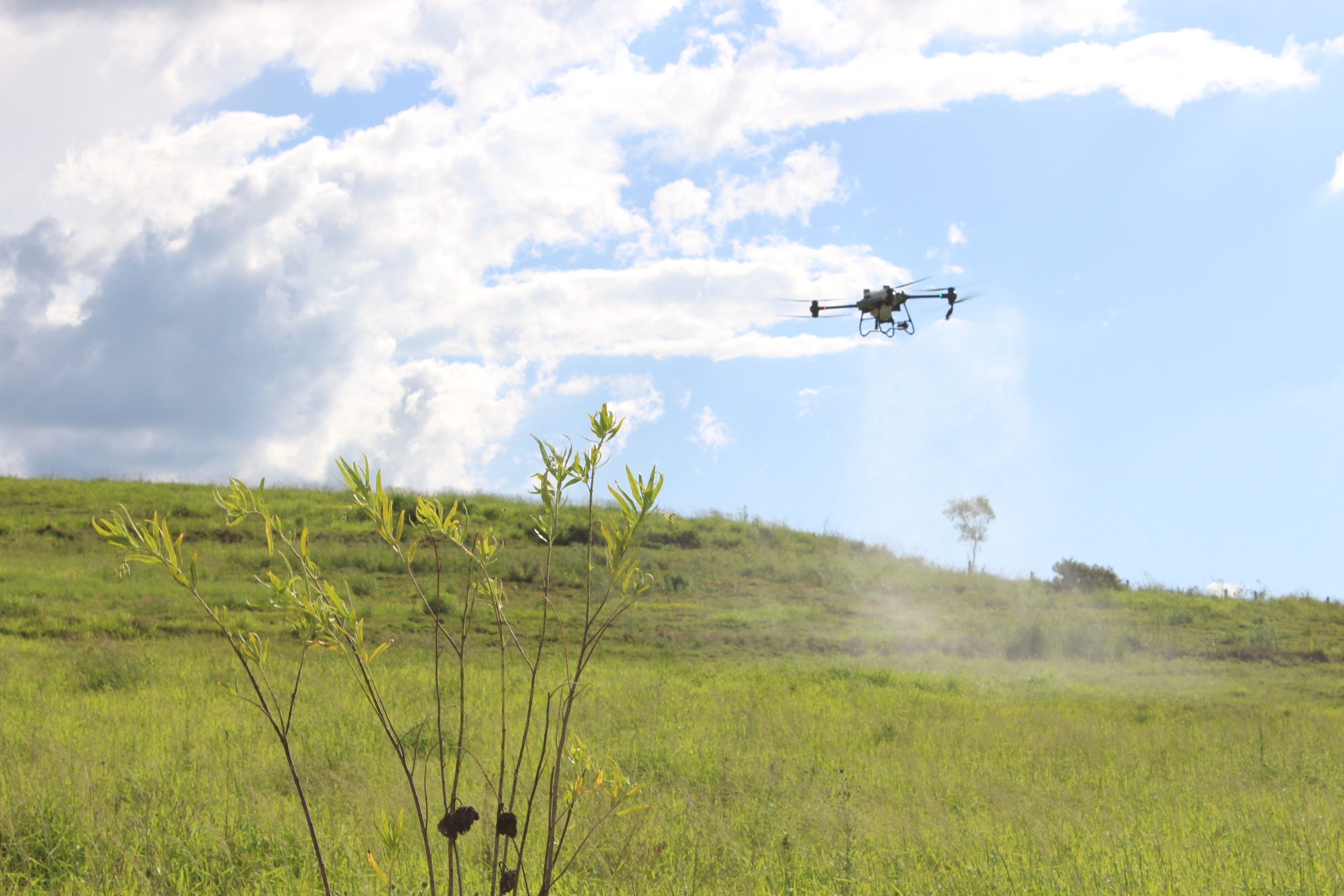
Precision drone spraying for broadacre, spot or patch work, fence lines, corners, and hard-to-reach areas. Planned around weather and label requirements for a clean, consistent result.
Read More →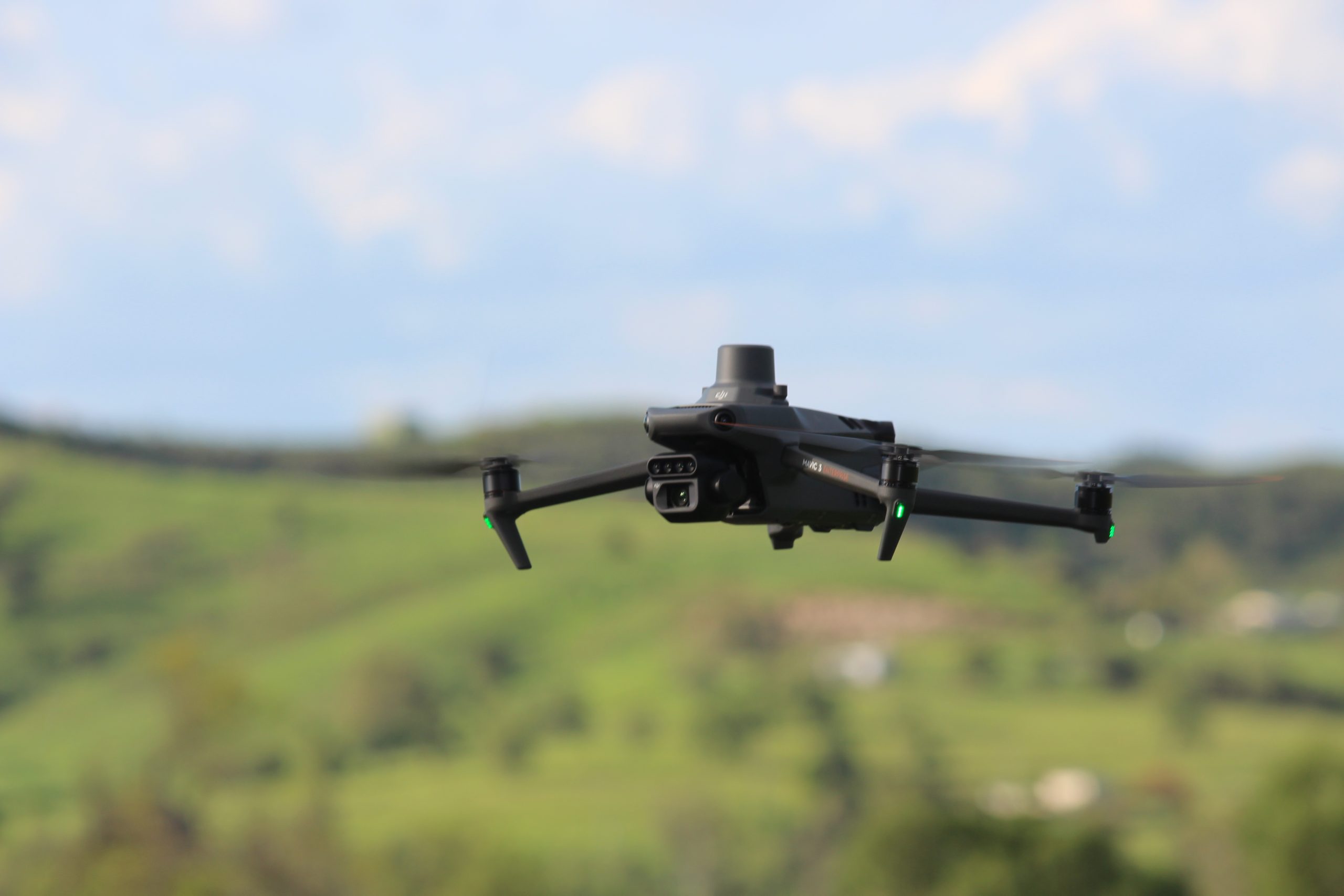
High-resolution mapping to identify problem areas and turn them into spot-spray missions and custom prescription maps so you spray only where it’s needed and get better results with less waste.
Read More →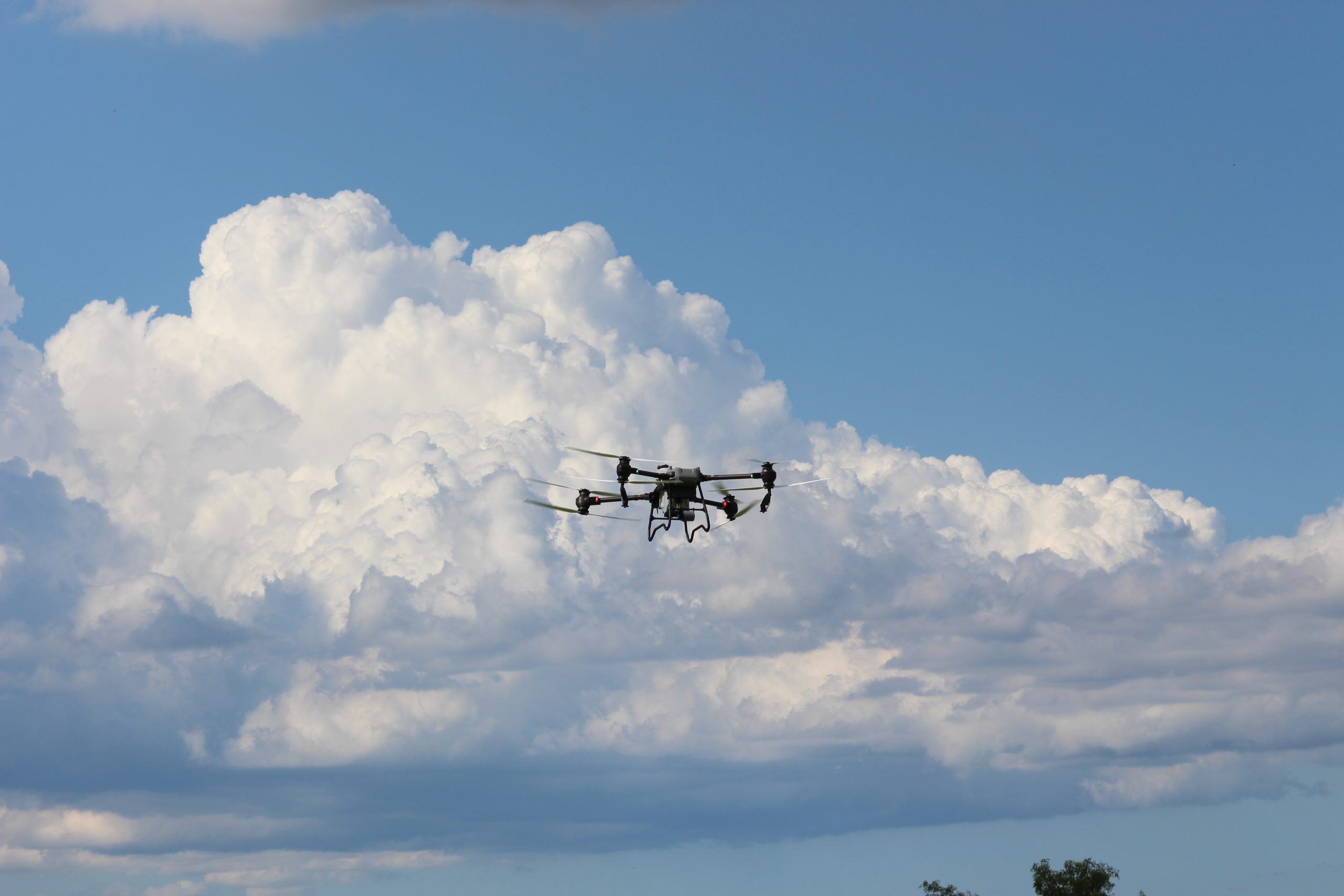
Broadcast seed and granular products with even coverage for pasture improvement and timely top-dressing.
Ideal when access is tricky or time matters.